Features · Case notes
Documentation with a spine: draft to locked.
A case note that can be quietly edited three weeks later is not documentation — it's a text file with a date on it. ClientCentric gives notes a real lifecycle, and the lifecycle is what a reviewer trusts.
The lifecycle, honestly enforced
- Draft → submitted → returned-with-reason or approved → locked
- Corrections as addenda: the original text is preserved verbatim, forever
- Notes due surfaced to the staff member on their own Today view — with the deadline
- Review queues for administrators: waiting, returned, and overdue, each a click deep
- Completion computed over every visit that needed a note — not just the ones that got one
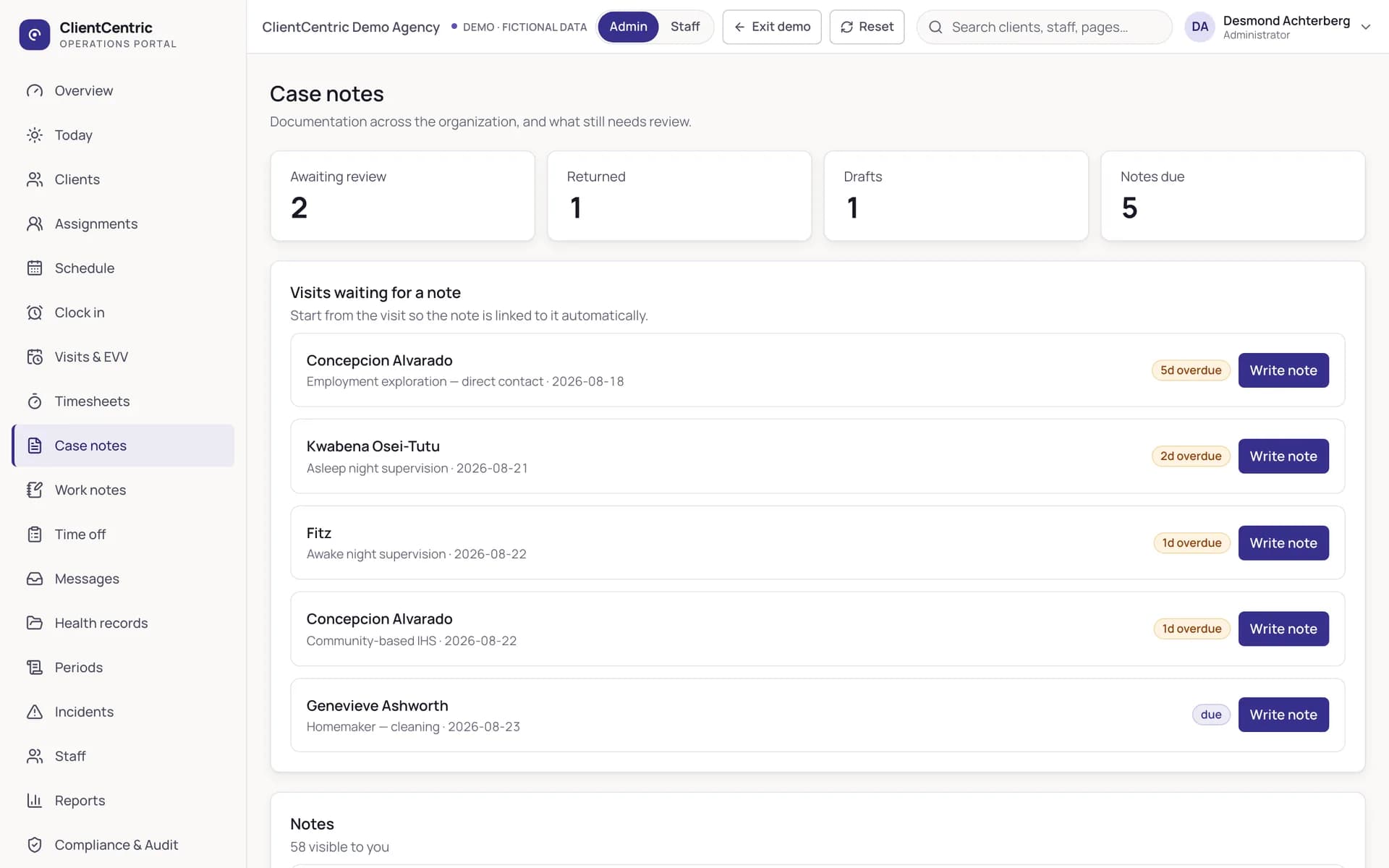
The review queue is the workflow. Waiting, returned, drafts, and due — four numbers that open four lists, and a period close that refuses to pretend the outstanding work isn’t there.
Imported history stays history
When an agency switches to ClientCentric, historical documentation imports as locked history — readable, searchable, attributed, and uneditable. Imported notes that could be edited afterwards would not be documentation, so the platform refuses to create that possibility.
Written and maintained by the ClientCentric team from the working product. Last reviewed .